Your seat hold runs out
The seats go back on sale and nothing is charged. Choose seats again and carry on.
How it works
Masafa keeps the whole booking on your phone: compare, choose a seat, pay with M-Pesa and travel with your ticket.
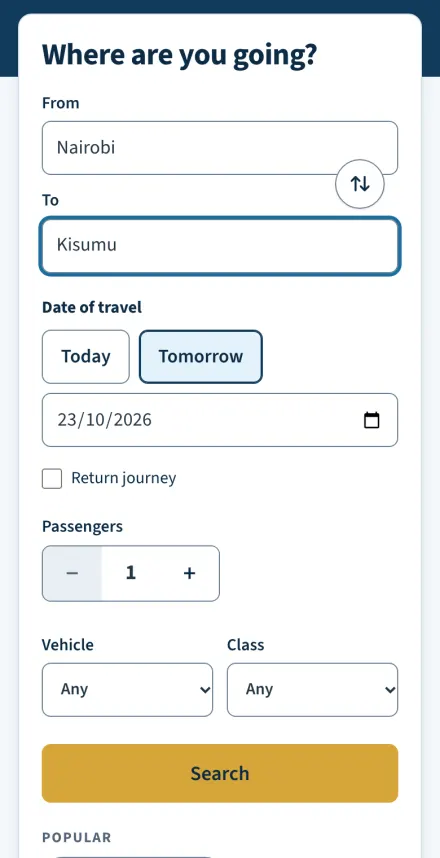
Choose where you are leaving from, where you are going, the date and how many are travelling. No account needed.
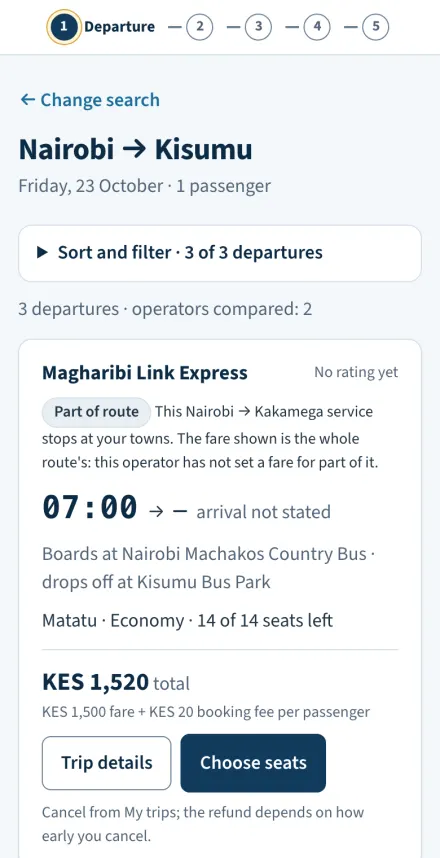
Every participating Bus Company's departures, side by side: times, boarding point, seats left, luggage allowance, ratings and the full price.
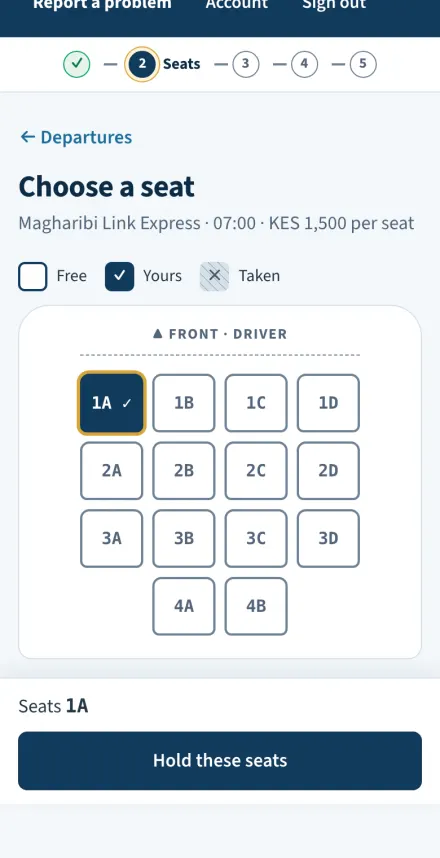
Sign in with your phone number, then pick your seats on the vehicle's seat map. They are held for you while you finish.
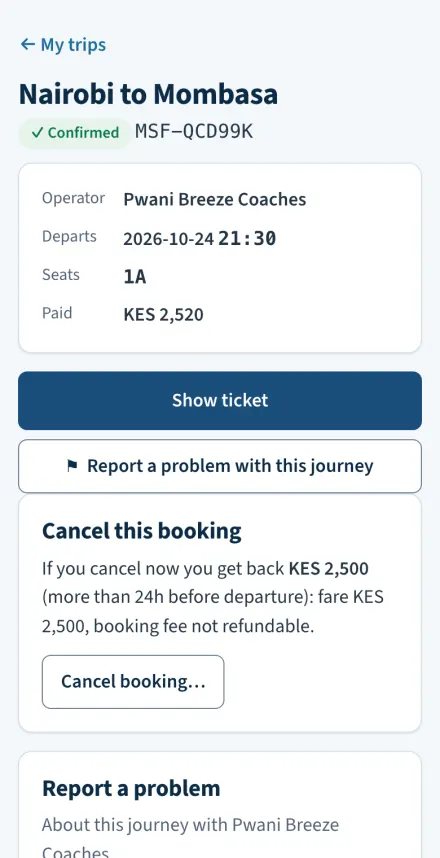
Add each passenger's name, approve the M-Pesa prompt on your phone, and watch the confirmation arrive.
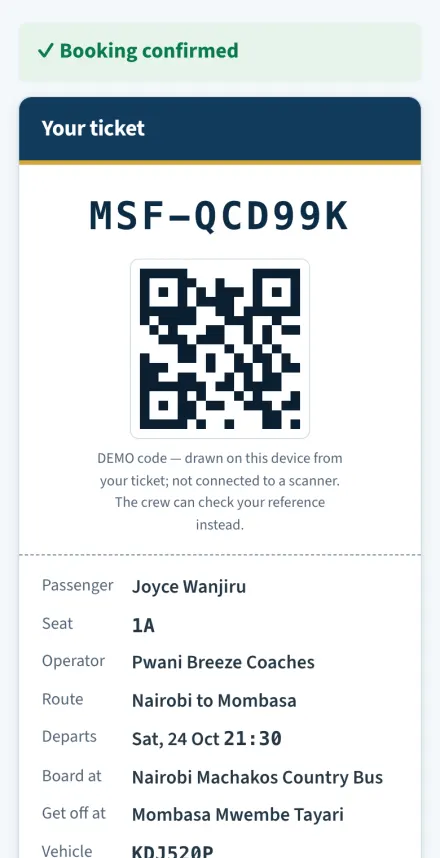
Your ticket is in My trips, saved on your phone. Show the conductor your reference at the boarding point.
Screens from the Masafa passenger app. Bus Companies, fares and seats shown are sample data.
The seats go back on sale and nothing is charged. Choose seats again and carry on.
The app keeps checking and tells you not to pay again. If the payment is declined, you are told that no money was taken and your seat is still held.
Cancel from My trips. You see the refund before you confirm, and it goes back to the M-Pesa number that paid.
Use Report a problem in the app. In an emergency, call 999 or 112 first.
No. Anyone can search and compare. When you choose a departure, you sign in with your mobile number and a one-time code. There is no separate registration — your number is your account.
After choosing a departure you see the vehicle's seat map, with every seat marked free or taken. Pick seats for everyone travelling — up to six per booking.
Your seats are held for you for a short time while you enter names and pay, and nobody else can take them meanwhile. If the time runs out, the seats are released and nothing is charged.
With M-Pesa. You get a payment prompt on your phone and confirm it with your M-Pesa PIN. The price you approve is the fare plus a KES 20 booking fee per seat, both shown before you pay.
If confirmation takes a while, the app keeps checking and tells you not to pay again. It never shows a payment as failed while the outcome is still unknown.
In the app, under My trips. Your ticket shows the booking reference, passenger names, seats, Bus Company, boarding point, departure time and the vehicle's registration. A copy stays on your phone for when you lose signal, and you can print it.
Go to the boarding point on your ticket before departure. The conductor checks your booking reference or your name against the trip's passenger list.
Find your route, compare the options, and book with Masafa.